Imaging session planning · UK
Find your usable imaging window: darkness, Moon altitude and local obstacles
Turn a darkness calendar into a realistic imaging timetable by overlapping astronomical night, Moon position, target access and setup time.
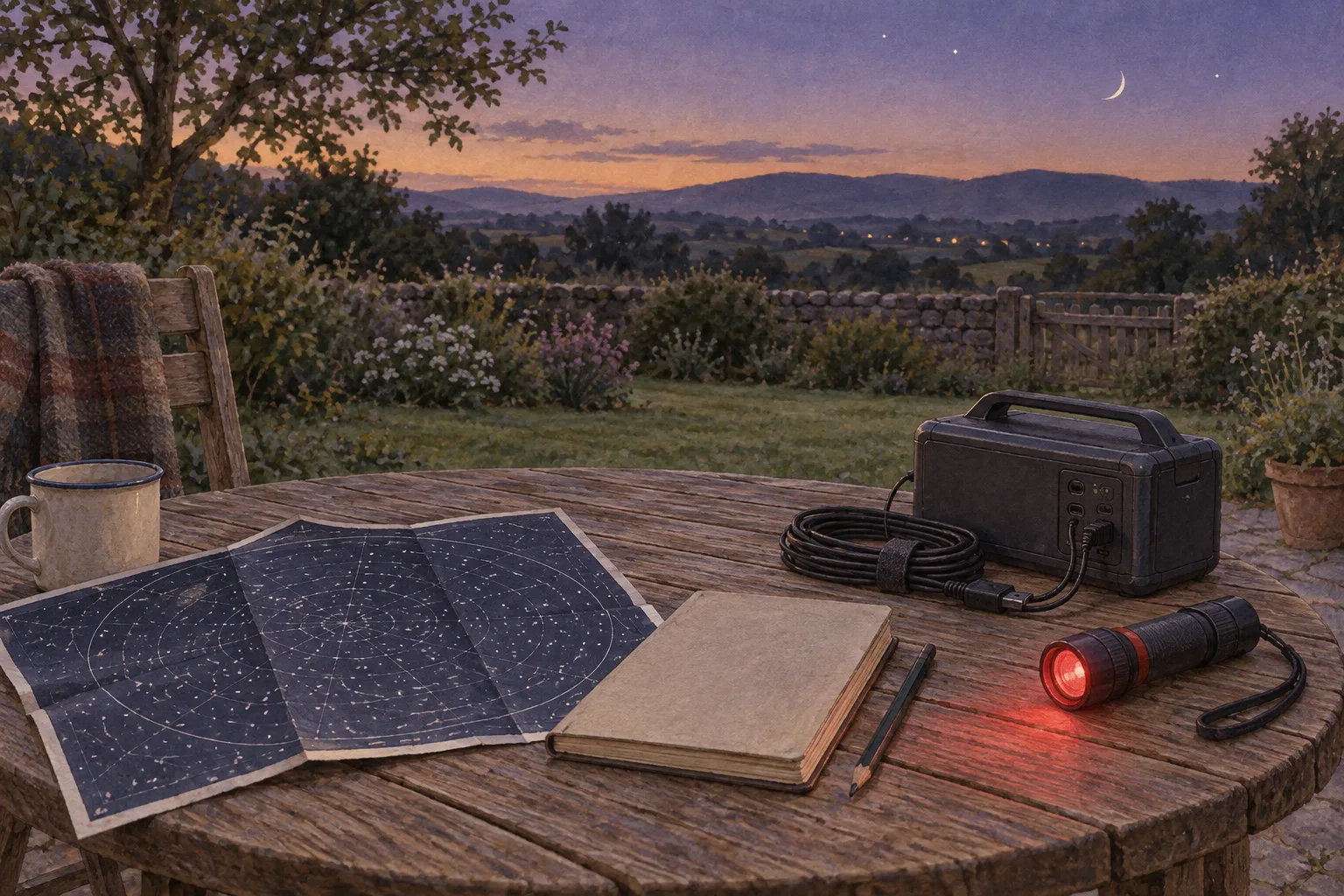
Plan the overlap between darkness, acceptable Moon conditions and a clear view of your target. That overlap is the time you can sensibly allocate to imaging; the total length of the night is only a starting point.
Use the Darkness and Moon planning calendar to begin your timetable, then add the restrictions of your own observing spot. The most useful result is a start time, a stop time and a backup task if the expected window disappears.
What astronomical darkness tells you
Astronomical twilight ends in the evening when the centre of the Sun reaches 18° below the horizon. The corresponding morning crossing marks its beginning again. ESO’s almanac documentation distinguishes this from civil twilight at 6° and nautical twilight at 12° below the horizon. These are solar geometry thresholds, rather than measurements of the brightness above your garden. ESO SkyCalc documentation.
For a conservative faint-target plan, use the interval between evening and morning astronomical twilight as your first boundary. Write both times down, including their dates when the session crosses midnight. If a calendar supplies no astronomical-night interval, do not substitute sunset and label the result astronomical darkness.
The threshold is useful without being a guarantee. ESO treats twilight, lunar conditions, atmospheric transparency and image quality as separate observing constraints. Your planning sheet should preserve that separation: a valid darkness interval does not establish that the weather or target view is suitable. ESO observing constraints.
Before comparing dates, check the selected location and time zone. Record whether your timetable uses local civil time or UTC, and keep every entry on that same basis. For UK and EU readers travelling to another observing site, use that site’s location and local time setting rather than carrying over the home timetable.
Read Moon altitude alongside phase
An illumination percentage alone cannot tell you which part of the night to use. NASA explains that first-quarter Moon generally sets around the middle of the night, while last-quarter Moon generally rises around then. These are broad patterns; NASA specifically recommends local predictions for exact rise and set information. NASA Moon phases.
Look at the Moon’s altitude during the proposed session, rather than just its phase on the date label. Note whether it is rising, falling or below the predicted horizon. For a deliberately moonless plan, restrict your candidate interval to times when the calendar places the Moon below the horizon.
If you are considering imaging while the Moon is up, also check its angular separation from the target in your observing software. ESO’s discussion of scattered moonlight identifies lunar illumination, Moon elevation, target elevation, Moon-to-target separation and atmospheric extinction as inputs to sky-brightness modelling. This is why a single universal Moon-altitude cut-off would be misleading. ESO: Observing During Bright Time.
Choose a rule for this session, and label it as your planning preference. For example, you might reserve a faint broadband project for the Moon-below-horizon interval and use the earlier time for preparation. The broadband or narrowband filter guide can help you connect the target and filter strategy to that decision.
Put your actual horizon on the timetable
Make a simple sketch from the position where the mount will stand. Mark the directions of buildings, trees and other obstacles. Then use your target’s predicted path to identify when it enters and leaves a clear part of that view.
Keep the target’s obstruction boundary separate from the Moon’s. A roof hiding the lunar disc does not establish a moonless sky: moonlight scattered by the atmosphere is part of the optical background described by ESO. Do not replace the calendar’s lunar horizon crossing with the moment the Moon disappears behind your neighbour’s house. ESO: Observing During Bright Time.
Record practical limits too. These might include the time you can arrive, the time you must leave, and an interruption your own equipment sequence requires. Treat them as appointments on the timetable rather than quietly assuming the entire overlap will become exposures.
A hypothetical night, worked through
Suppose a fictional planning sheet contains these intervals, all in the same local time zone:
- Astronomical night: 20:10–05:40 the following morning.
- Moon below the predicted horizon: from 23:30 onwards.
- Target clear of the site’s obstacles: 21:00–02:20.
- Equipment ready: 22:45.
For the chosen Moon-below-horizon rule, the latest starting boundary is 23:30. The earliest ending boundary is 02:20. Their overlap is 2 hours 50 minutes, or 170 minutes.
Now suppose you deliberately reserve 20 minutes within that overlap for checks and interruptions. That leaves an exposure-time budget of 150 minutes. If you plan 180-second exposures, 50 frames would occupy exactly 150 minutes of exposure time. Readout and other overheads still need allowance; 50 is therefore an exposure-only ceiling, not a promised frame count or retained integration.
These numbers are hypothetical, not predictions for 14 October or any real site. Their purpose is to show why a long astronomical night can yield a much shorter useful target window.
Decide what to do with the overlap
Transfer the realistic exposure budget to the integration-time planner. Keep planned exposure time separate from the integration you eventually retain after inspecting frames.
On the night, check the actual sky and take a short trial sequence before committing the whole interval. Use the sub-exposure guide for that separate decision. A darkness calendar cannot choose exposure length or confirm that the frames meet your needs.
Finally, write a backup action beside your main plan: prepare tomorrow’s framing, check the equipment sequence, or stop early. Your completed timetable should explain why the target window opens and closes. That makes it much easier to adapt when one boundary changes.
Continue planning
Related guides
Power
Build an astrophotography power budget that survives the night
Optical train
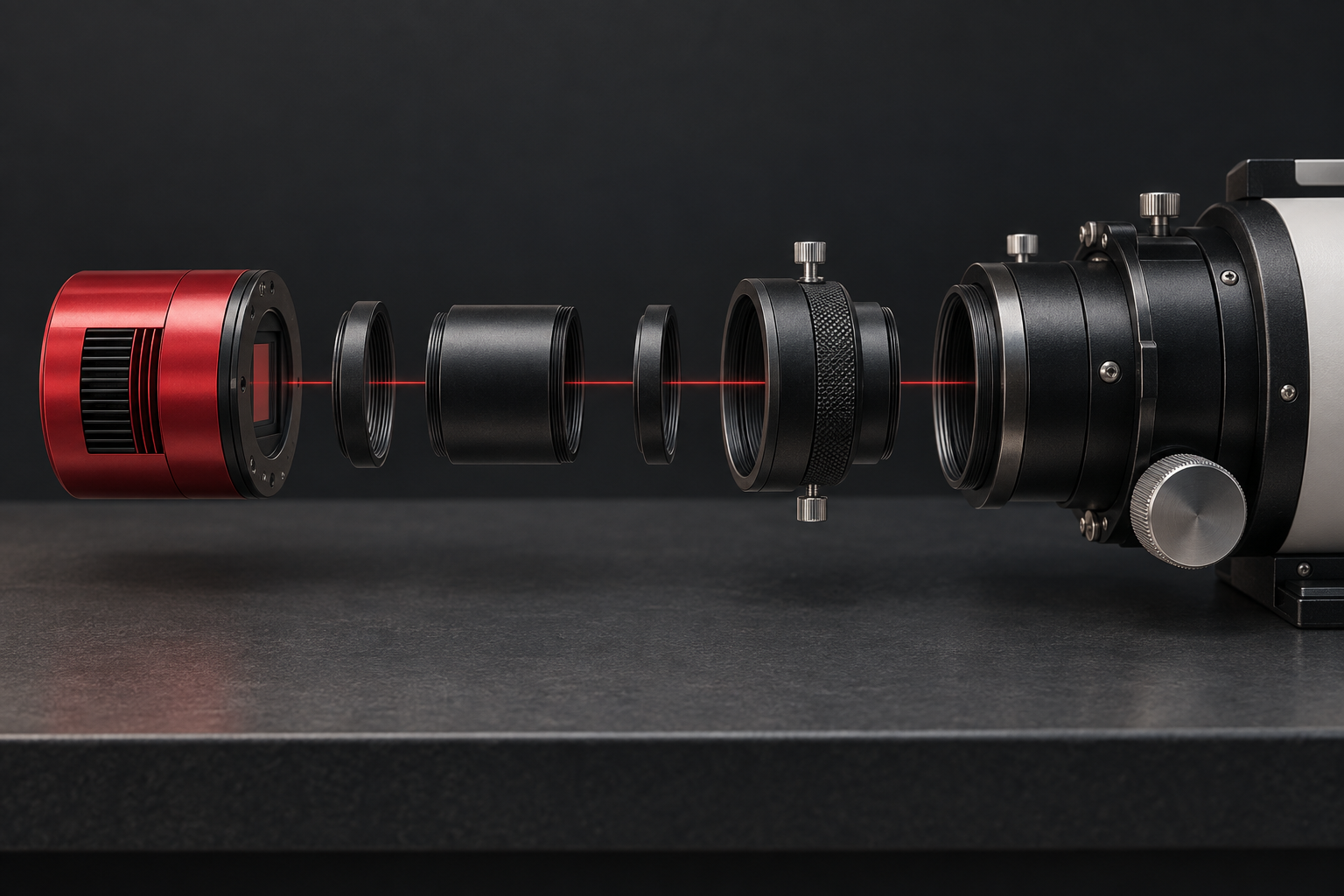
Backfocus and spacing without guesswork
Smart telescope comparison