Smart telescope comparison · UK
Best smart telescope for beginners: see nebulae without building a rig
Want nebulae without building a full telescope rig? Compare three smart telescopes by setup, framing, price, battery and the kind of night you want.
The best smart telescope for beginners should get you from “the sky is clear” to “there it is” without turning your first night into a parts-compatibility project. But choosing one can still feel harder than it ought to. The models promise automation, rich images and easy sharing, while the details that decide whether you will enjoy owning one sit in the small print: field of view, tripod included or not, battery claims, storage, app workflow and local stock.
Picture a familiar first-clear-night scenario. You have a short window before clouds arrive. The first problem is that a conventional imaging rig has several pieces to connect and align, so the sky is moving while you are still checking cables. The second is framing: the nebula you had in mind is wider than the view your chosen telescope captures. The third is that the people with you want to see what the camera is building, while you are juggling a phone, a battery indicator and a growing list of files. Those are three different frustrations, and no single specification solves all of them.
This is an illustrative buyer scenario, not a story about our own use. We have not tested or owned these telescopes. The comparison uses current product pages, support documents and UK/EU offer listings. Manufacturer battery and feature claims are identified as such. The scores near the end are editorial fit scores based on the criteria below, not lab-test results or claims that we personally tried each model.
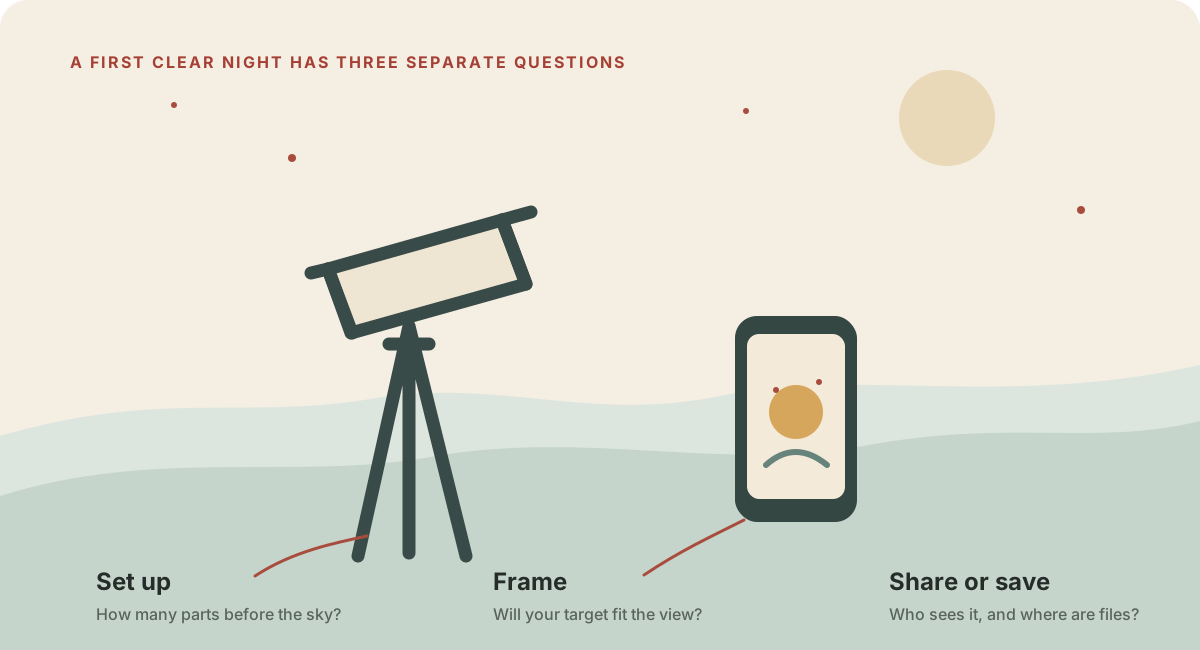
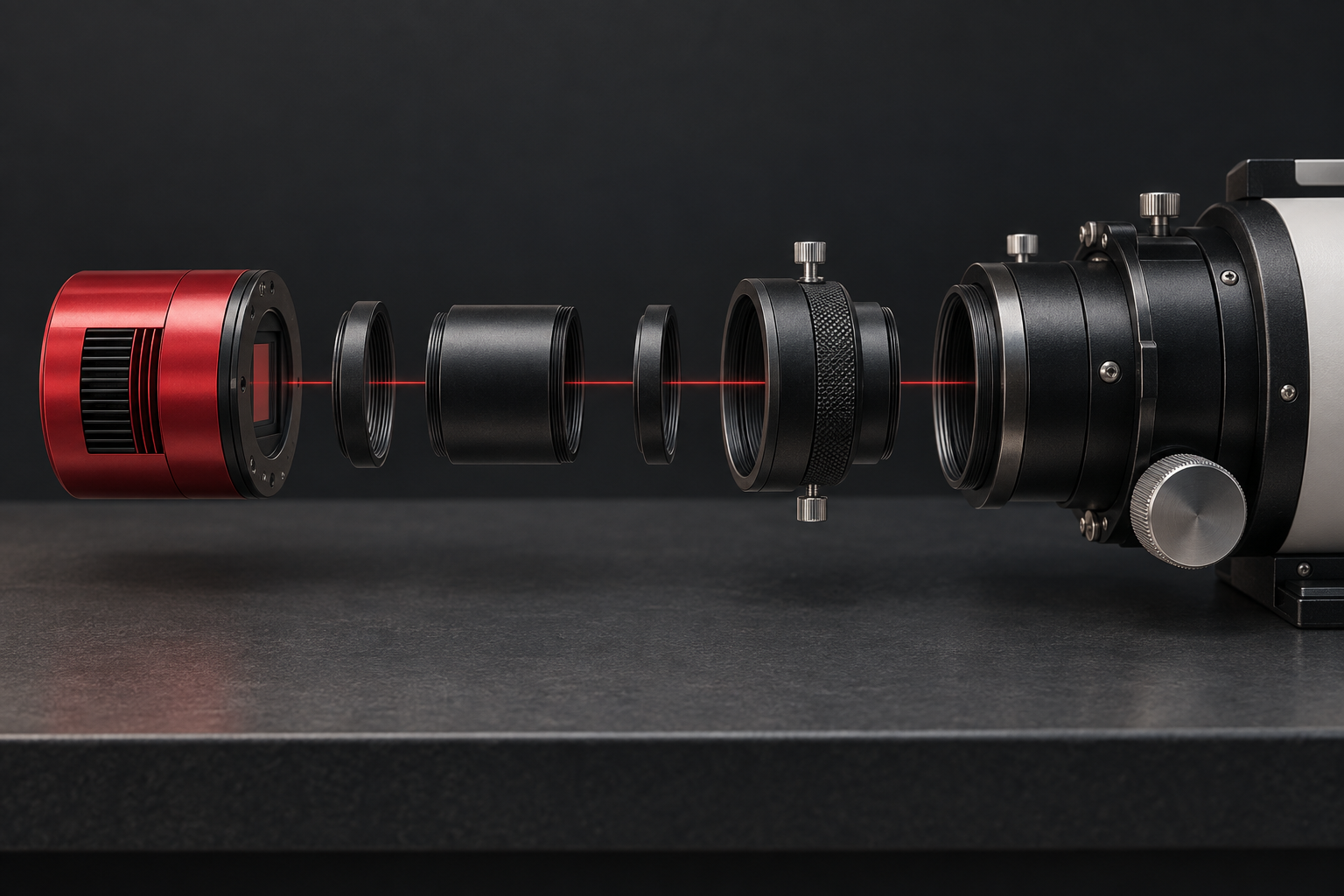
Illustration: a generic observing workflow, not a photograph of any model reviewed here.
The reassuring part is that you do not need to solve every astronomy problem at once. A smart telescope combines optics, a camera, tracking and an app into a guided system. It removes many setup choices, but it does not remove weather, light pollution, framing trade-offs or the need to check the exact bundle. Once you decide which frustration matters most, the shortlist becomes much easier.
The first clear night goes better when setup has fewer decisions
Traditional astrophotography can involve a telescope, mount, camera, adapters, focus, alignment, guiding and power. That flexibility is wonderful when you want to build a system around your needs. It is also a lot to learn before your first satisfying image.
A smart telescope collapses many of those choices into a single instrument and app. You set the unit on its tripod, connect a phone or tablet, choose a target and let the device point and track. The S50 Pro, Vespera II and Odyssey Pro all advertise automated target finding and tracking; each uses its own app and own capture workflow. Their convenience is not identical, but none asks a beginner to buy a separate astronomy camera and mount before starting.
There is a useful distinction here: “simple to start” and “nothing to learn” are not the same promise. You still need a reasonably stable place, a compatible phone, enough battery, clear enough sky and a target that suits the telescope’s field. A balcony can be convenient and still vibrate when people walk. A city sky can still be bright. A short setup is most valuable when it gets you to those real observing decisions sooner.
If you already have a camera and lens, or if building a custom rig is part of the fun, a self-contained smart telescope may not be the right first purchase. Our equipment compatibility checklist is for that conventional route. This page is for the reader who wants the instrument to handle more of the pointing and image-building work.
A wider frame can matter more than a bigger number on the box
The second frustration is not finding the target. It is finding out that the target does not fit the frame you bought.
The sky is full of objects with very different apparent sizes. A compact planetary nebula and an enormous nebula do not ask for the same framing. The S50 Pro’s telephoto camera has a published 2.8-degree field of view, while its second camera has a much wider 63-degree view for sky and landscape scenes. Vaonis lists a 2.5 by 1.4-degree native field for the Vespera II and a mosaic mode that combines a wider region. Unistellar lists the Odyssey Pro at about 0.56 by 0.75 degrees. These are different ways of looking, not a simple ladder from “bad” to “good.”
The Seestar’s second camera is especially useful because it changes the kind of picture you can make. The telephoto view is for a chosen astronomical subject; the wide camera can capture a broader sky scene, Milky Way compositions and star trails. A second camera does not make its telephoto optics wider. It gives you another framing tool in the same device.
Vespera II’s appeal is different. Its wider native telescope field and CovalENS mosaic workflow are designed for larger deep-sky compositions. Vaonis currently lists up to 24 megapixels for mosaic capture and a maximum mosaic field of 4.33 by 2.43 degrees. A UK retailer page checked on the same date still displayed a 32-megapixel claim, so use Vaonis’ current specification as the reference and confirm the current output details before relying on a particular number. If wide framing is your main goal, the native field and mosaic result matter more than comparing headline sensor megapixels alone.
The Odyssey Pro is the most compact field of the three on its published specifications. That can be a good match for smaller targets and for the dedicated electronic eyepiece experience. It is less forgiving when your mental image is a huge nebula filling the screen. Before buying any of them, use the field-of-view guide to think through target size and framing. Smart automation can point the telescope; it cannot put a larger target into a smaller frame without a mosaic or a different camera view.
The third problem is really about how you want to share the night
Some people want to save an image and edit it later. Others want a group to look at the same view while the telescope is still observing. Those are not the same product requirement.
The S50 Pro is controlled through the Seestar app and has no dedicated eyepiece listed. Its strength is a flexible capture system: telephoto and wide-angle cameras, automatic target selection, multiple capture modes and published JPEG/FITS output. This makes it a natural fit for someone who wants to explore, save files and try different kinds of night-sky images without assembling a separate imaging rig.
Vespera II is also app-led. Vaonis lists automatic alignment, live stacking, autofocus, expert controls and the CovalENS mosaic mode, with several output formats described in its product specification. Its current UK retailer listing says the tripod is sold separately. Factor that in if you do not already own a suitable tripod. The official EU store sells device-only and tripod-bundle configurations, so compare like for like.
The Odyssey Pro offers something the other two do not list: a dedicated electronic eyepiece developed with Nikon. That can make turns feel more like looking through a telescope, especially for a family or outreach session. It is the reason to choose the Pro over the less expensive Odyssey, not a claim that the Pro has a larger mirror or better imaging specification. Unistellar lists the Odyssey and Odyssey Pro with matching core telescope specifications; the Pro adds the eyepiece.
If your main delight comes from the group reaction when someone first sees Saturn, the eyepiece can be the right feature to pay for. If your group is happy to watch the live view on a tablet, or your observing is mostly solo, that premium may not improve your normal night. Ask who is going to use the feature before paying for it.
A “nine-hour battery” still needs a practical power plan
Battery and storage figures are easy to skim and easy to misunderstand. ZWO rates the Seestar S50 Pro’s 10,000 mAh battery for up to nine hours in a laboratory test above 25°C, using alt-azimuth mode and telephoto stargazing mode. That is a specific test condition, not a promise for a cold all-night session or every capture mode. It lists 128 GB of storage, with about 100 GB available after system use. The telescope also includes a tripod, protective case, solar filter and USB-C cable in the package contents shown on the official product page.
Vaonis lists four hours of battery life and 25 GB of storage for Vespera II. Its EU offer has a device-only option, while the package with a standard tripod costs more. An external USB-C supply is an option, but the cable is not included in the product spec. Unistellar lists five hours and 64 GB for the Odyssey Pro, with its premium tripod included. The telescope itself weighs 4 kg; the tripod is an additional item to carry.
These claims make the Seestar look strongest on paper for a long session and bundled portability. That is a fair advantage, provided the actual night resembles the manufacturer’s stated testing conditions. Cold weather, repeated slewing, screen brightness, age of the battery and accessory use can change runtime. We would treat every “up to” figure as a planning ceiling, not a promise.
Power is only one part of the routine. A built-in battery means fewer separate items to pack, but it does not mean no charging or storage management. If you have already invested in a power bank, a telescope with a shorter internal battery could still suit you. Our astrophotography power guide explains why capacity and usable runtime are different. This comparison is about making a good first choice, not declaring one battery figure universally sufficient.
UK and EU prices change the value calculation
The same model can look like a different purchase depending on where it ships from, whether a tripod is in the box and whether the seller has stock. The prices below were checked on 13 October 2026. They are snapshots, not price guarantees.
| Telescope | UK price checked 13 October 2026 | What the UK price covers |
|---|---|---|
| ZWO Seestar S50 Pro | £999 | Telescope package with tripod and listed accessories; pre-order, stock due in October |
| Vaonis Vespera II | £1,395 | Telescope only; add the listed £89 standard tripod if needed (about £1,484 total) |
| UNISTELLAR Odyssey Pro | £3,699 | Telescope with premium tripod included |
| UNISTELLAR Odyssey | £2,099 | Lower-cost alternative; tripod included, without the Pro electronic eyepiece |
These are UK retailer or UK-store prices, not currency conversions from the EU offers. Check the linked seller page for the latest stock, bundle and checkout total before ordering.
For the UK, Clifton Cameras listed the Seestar S50 Pro at £999 as a pre-order and said stock was due in October 2026. Its current listing should be checked for a confirmed ship date before purchase. Seestar’s EU store listed the S50 Pro at €999, said orders ship from a German warehouse with VAT included and no customs duties for the listed route, and estimated a 3–4 week dispatch window due to demand. Confirm destination eligibility and timing at checkout.
Clifton Cameras listed the Vaonis Vespera II at £1,395 and marked it in stock, with the tripod sold separately. Its listing showed a £89 standard-tripod price when checked, bringing that simple setup to about £1,484 before optional accessories. Vaonis’ EU store showed €1,590 for the telescope without a tripod and €1,690 with its standard tripod. Compare the package you would actually buy, not just the lowest number in a search result.
Unistellar’s UK store listed Odyssey Pro at £3,699 and its Odyssey at £2,099. Its EU store listed the Pro at €4,199 and the Odyssey at €2,399. The Pro includes a tripod, but the price difference from the Odyssey is substantial for an eyepiece feature. That makes the Odyssey Pro a more specialised choice in this group rather than an automatic “best overall” purchase.
Retailer pages, stock status and bundle contents can change quickly. The UK/EU buying guide covers dispatch location, delivery, taxes, returns and warranty route. Before checking out, confirm the precise product revision, included kit, VAT treatment, delivery window and who handles a return.
The best beginner telescope depends on what happens after the first image
The first evening is an easy moment to picture. You carry the equipment outside, choose a target and watch an image appear on a screen. The harder question is what you will want to do on evening five, after the novelty of the first capture settles and you start noticing what the device makes easy—and what it makes awkward.
That is where a comparison based on one headline number can lead you astray. Aperture matters, but it does not tell you how much sky appears in a frame, how often you will charge the device, how you will share a live view, whether you can save a file for later editing, or what else must go in the car. The most useful question is not “Which one has the biggest number?” It is “Which one makes the activity I want to repeat feel natural?”
Imagine three readers arriving at a clear patch of sky. The first lives in a town, has a small garden, and wants to learn the constellations while collecting recognizable deep-sky images. The second is a keen landscape photographer who has a few hours at a dark location and wants the whole arc of the Milky Way in a wider composition. The third is taking a telescope to a school astronomy evening, where a dozen people may want a turn and nobody wants to queue for the phone. The same product can be a good answer for one and a compromise for another.
The Seestar S50 Pro is the most balanced entry point for the first reader. The Vespera II makes more sense for the second reader if the mosaic process and broader telescope framing are central. The Odyssey Pro’s electronic eyepiece has a particular appeal for the third reader. Ranking the products does not erase those differences; the ranking only becomes useful when we say whose problem it is trying to solve.
In a bright town, convenience helps—but it cannot darken the sky
Smart telescopes can make it easier to point at targets from a garden, balcony or campsite. They do not repeal the effect of light pollution. Bright sky background reduces contrast, and faint targets may still look disappointing from a heavily lit location. A manufacturer’s app catalog or automatic pointing feature tells you what the system can locate, not what every location will reveal.
This is a useful budget insight: before spending extra for a bigger sensor or more sophisticated mosaic mode, think about whether a darker observing spot would change more. A short drive to a darker field, a clear horizon and a stable surface may matter more than moving up to the most expensive device in this shortlist. If you cannot travel, choose a realistic first target and expect the best experience with brighter objects and longer accumulations when conditions allow.
The S50 Pro’s dual camera system offers a practical difference here. Its wide camera is not a substitute for a dark sky, but it gives you another kind of composition to try: broad star fields and landscape scenes rather than only a zoomed-in deep-sky object. The wide-angle view can make a less-than-perfect night feel productive when a specific faint target is not cooperating. That flexibility is one reason it scores well for a beginner buying a first all-in-one device.
The Vespera II’s wider native telescope field and CovalENS mosaics can help when the target itself is larger than a single frame. That solves a framing problem, not a sky-brightness problem. Stitching several adjacent areas together cannot restore contrast that the atmosphere and surrounding light have washed out. If you expect the mosaic feature to make every large nebula look dramatic from a city centre, pause and read the limits before you pay for it.
The Odyssey Pro’s eyepiece experience can make a group session more engaging, but the product still depends on conditions and the chosen target. It is not a brighter replacement for a dark site. A visitor’s first look at a bright cluster or the Moon may be memorable; a faint target under a glowing sky may not match the image examples in a sales gallery. Choose a first session around what the sky can reasonably show.
The second session is where framing becomes a habit
Beginners often ask whether more focal length is better. It is a tempting shorthand because a longer focal length makes a target appear larger on the sensor. The catch is that a larger image is not always a more useful one. The target can spill beyond the frame, locating it becomes less forgiving, and movement or tracking errors are easier to notice. Smart pointing reduces some friction, but the field of view still sets the composition.
Start with the objects you actually hope to photograph. If your list includes the Andromeda Galaxy, the North America Nebula or other broad targets, compare the full field dimensions and mosaic options. If you are drawn to smaller galaxies or globular clusters, a tighter frame may suit you better. A list of three targets is more useful than a vague desire for “deep sky,” because it exposes whether your wishlist asks for wide framing, detail, or both.
Also notice that a mosaic has a hidden cost: time. It combines multiple views and can cover a broader patch of sky, but the telescope has to gather those sections. If clouds interrupt the sequence, or your observing window is short, the wide image may take longer than a single frame. A mosaic is a creative option, not a free instant expansion of the sensor. This trade-off matters especially when you are comparing impressive finished examples with the number of minutes you can realistically observe.
The S50 Pro offers a separate wide-angle camera, which changes the framing choice without turning its telephoto camera into a wider instrument. Those two cameras are different tools with different purposes. The wide camera is suited to broad sky scenes; the telephoto unit is for smaller astronomical framing. That distinction prevents a common misunderstanding when a product page markets two fields of view side by side.
Vespera II starts with a wider telescope field than the Odyssey Pro in the specifications compared here, and it can expand that field through CovalENS. The Odyssey Pro’s tighter published field can make smaller subjects appear more prominent in the screen, but it reduces the amount of surrounding context in a single image. Neither composition is inherently more sophisticated. A photograph with a little breathing room can tell a better story than a close crop, and a compact cluster may benefit from tighter framing.
Before buying, sketch a target on paper or use a field-of-view simulator with the listed dimensions. The exercise turns “Which telescope is best?” into “Which view fits the objects I keep saving?” Our field-of-view guide explains the geometry for conventional cameras; the same habit of checking the actual frame helps when comparing smart telescopes.
The third evening may be about files, not the live preview
A bright, polished screen preview and a file you can edit later are different deliverables. If you want to learn image processing, check the formats and file workflow, not just the marketing photo. Seestar lists JPEG and FITS output. Vaonis lists JPEG display images, FITS unit images and pre-stacked TIFF images. Unistellar describes live image processing and image sharing; inspect its current documentation if saving editable source data is central to your plans.
FITS is a common astronomical image format that can preserve data for later processing. It can also feel unfamiliar if you have only edited phone photographs. A polished JPEG may be more satisfying on the night itself, while a deeper post-processing workflow may ask you to learn calibration, stacking and software. Before you buy, decide whether you want a finished picture to share, source files to experiment with, or both. The advertised number of megapixels does not tell you how enjoyable that file journey will be.
Storage is another second-order decision. The S50 Pro lists 128 GB installed, with around 100 GB available after system use. Vespera II lists 25 GB. Odyssey Pro lists 64 GB. These figures are not directly comparable without considering file sizes and capture style, but they do shape how many sessions you can keep on the device before transferring or deleting material. If you intend to capture mosaics, long sessions or many targets, file housekeeping can arrive sooner than you expect.
Create a simple post-session routine before your first night: transfer the images you care about, keep a second copy somewhere reliable, and note the target, date and rough conditions. That little log helps explain why one session looks different from another. It also prevents the common frustration of discovering that a device has become the only place where a favorite image exists.
If you want to edit on a computer, look up the current app export steps and sample file formats before purchasing. A product may technically support an open format while still making phone-based browsing the most convenient path. Compatibility with your preferred software can matter more to a future enthusiast than a feature that sounded exciting during checkout.
A shared screen and a shared eyepiece create different kinds of nights
The Odyssey Pro deserves careful thought if other people will be part of your observing. The eyepiece is its clearest reason to choose it over the standard Odyssey. A dedicated electronic display changes the social rhythm: one person can look while someone else prepares the next target, and the group has something telescope-like to gather around. For a science club, family night or outreach event, that can be more valuable than a modest change in a specification table.
There is still a practical limit. A single eyepiece is one viewing point, and small groups need a turn-taking routine. A phone or tablet can be easier for several people to see at once, especially if the app supports multiple devices in the way you need. Ask whether your group prefers the “look through this” moment or a shared live image on a larger screen. Do not assume the product feature that sounds most traditional will automatically be more inclusive or convenient.
For a solo observer, the eyepiece premium may sit unused. For someone who mostly edits pictures later, it may be less important than native framing, formats or price. That is why the Odyssey Pro receives a lower overall value score here while retaining a strong conditional case for group observing. The score is not a verdict on the quality of the eyepiece; it is an answer to the specific beginner astrophotography brief.
The S50 Pro and Vespera II are also designed around an app-led experience. That can be an advantage if you like exploring a catalog, watching the image build and sharing a screen. It can be less appealing if you want a conventional optical eyepiece view with no phone in the middle. Confirm app support for your phone or tablet, and check whether the software can do the few things that matter to you: planning a session, saving images, sharing access, or exporting files.
The box contents change how portable “portable” feels
A telescope’s weight is only one part of the journey. You may carry the tripod, a case, a phone, a charger, a chair, a warm layer and perhaps a power bank. A complete package can save you from buying a tripod immediately, but it can still take more space than a product photo suggests. Think about the distance from your storage shelf to the place you will observe, not just the distance from the car to a dark-sky field.
The S50 Pro listing includes a tripod and protective case, among other items. That makes it easier to understand its out-of-the-box value, provided the included tripod suits your ground and intended setup. Vespera II has clearly differentiated device-only and tripod bundles through the official EU store, while the UK Clifton listing says its tripod is sold separately. Odyssey Pro includes its premium tripod, adding weight to what you carry but removing one accessory decision.
This is where a balcony owner and a car-camping owner may make different choices. A small footprint can be more important on a balcony than a lighter case. A campsite user may care more about packed volume, carry distance and how quickly the setup can be stowed when weather changes. If you have stairs, limited storage or a long walk from the car, check every component’s dimensions and weight before ordering.
Do not treat weather resistance as permission to leave electronics unattended in rain. Read the exact maker guidance for dew, moisture, storage and operating temperature. A night can be clear at sunset and damp later. A dry storage plan, lens cover and enough time to pack calmly can protect a much larger investment than a small difference in claimed setup speed.
A realistic setup checklist makes the purchase feel less risky
Before checkout, answer these questions in one note:
- Where will I use it most often, and can I reach that place without making setup a project?
- Which three targets am I most excited to see, and does the listed field fit them?
- Do I want to watch an image build, save a polished result, edit source files, or share the view with a group?
- Is the tripod included in my regional offer, and does the package list the accessories I actually need?
- What is the live delivery estimate for my country, and who handles a return or warranty issue?
- How will I charge the instrument, move images off it and keep a second copy?
- What do I expect a bright town sky to show, and where could I go for a darker session?
If a seller cannot answer a package, delivery or warranty question clearly, wait until you can verify it. A discounted price is not valuable if the item is a pre-order you did not expect, the tripod is missing from the budget, or you cannot resolve a compatibility question after delivery.
The best time to discover an accessory requirement is before it is on a lorry. Check the plug, charger, tripod thread, phone compatibility and app region. Confirm you are buying the overseas model intended for your location; Seestar’s official page notes that products intended for mainland China have regional activation and warranty restrictions. That kind of small-print detail is exactly why regional product pages matter more than a generic marketplace listing.
After delivery, keep the carton and packaging until you have checked the contents and read the return conditions. Test the app connection in daylight, charge the device, update only according to the manufacturer’s instructions, and practice the basic setup before the next clear night. This does not mean expecting a failure. It means keeping the precious clear-sky window for observing instead of searching for a cable or password.
Why this ranking rewards a useful first setup, not maximum specifications
This shortlist is intended for a beginner who wants an automated telescope for both viewing and basic astrophotography, values a complete portable kit, and does not need a dedicated electronic eyepiece. It is not a ranking for the biggest aperture, the most advanced post-processing, the widest native field or the most traditional visual experience.
The fit scores use five criteria: overall price and included essentials (30%); imaging and framing flexibility (25%); beginner workflow described in current product documentation (20%); portability and box contents (15%); and published storage and battery capacity (10%). These weights reflect the “I want to start without assembling a rig” buyer. They do not measure image quality, reliability, service response or long-term durability; we have not tested those things.
The criterion ratings are an editorial fit assessment, not measured performance:
| Model | Price and essentials (30%) | Imaging/framing (25%) | Beginner workflow (20%) | Portability/kit (15%) | Storage/runtime (10%) | Weighted fit |
|---|---|---|---|---|---|---|
| Seestar S50 Pro | 9.4 | 9.2 | 8.6 | 9.5 | 9.4 | 9.2/10 |
| Vaonis Vespera II | 8.0 | 9.5 | 9.0 | 7.2 | 7.0 | 8.4/10 |
| UNISTELLAR Odyssey Pro | 5.5 | 7.5 | 8.5 | 8.0 | 7.5 | 7.2/10 |
The prices and features were checked on the date above. We have no active affiliate links on this page today. The merchant links are ordinary product links while the relevant programmes remain unapproved. If a link is later converted to a tracked affiliate link, the page will need an adjacent disclosure and the tracking destination will be tested before publication.
The three smart telescopes, ranked after the trade-offs are clear
1. ZWO Seestar S50 Pro — 9.2/10 for best value smart telescope for beginners
The Seestar S50 Pro is our #1 fit for this specific buyer because it combines the most flexible “start here” bundle with the lowest listed UK/EU price of these three. Its 50 mm telephoto instrument is paired with an 8.3-megapixel telephoto sensor and a separate wide-angle camera. The official listing includes the tripod, protective case and solar filter, plus 128 GB of internal storage (about 100 GB available) and a battery rated for up to nine hours in ZWO’s lab test. The kit gives a beginner several ways to explore before needing to buy more gear.
The strongest reason to choose it is not that every image will be better than its competitors. It is that one purchase gives you automatic deep-sky capture plus broad-sky modes, a longer claimed battery life and storage headroom at a lower entry price. Its weak points are equally clear: the telephoto aperture is 50 mm, it has no dedicated eyepiece, and the UK listing was a pre-order when checked. If a fixed dispatch date matters, verify it with the seller before paying.
UK offer: Check the current Clifton Cameras listing at £999. It was marked as a pre-order, with stock due in October 2026, when checked on 13 October.
EU offer: Check the official Seestar EU store. The page showed €999 and an estimated 3–4 week dispatch window on 13 October 2026.
2. Vaonis Vespera II — 8.4/10 for wide-field framing and mosaics
Choose the Vespera II if large nebulae, broader native framing and a more developed mosaic workflow matter more than the lowest total setup price. Vaonis lists a 50 mm aperture, 250 mm focal length, 2.5 by 1.4-degree native field, autofocus and live stacking. Its CovalENS process can combine a wider region, and the official page lists JPEG, FITS and pre-stacked TIFF options. The app also offers manual exposure and gain controls for people who want to move beyond fully automatic capture.
The trade-off is the total package. The UK Clifton listing showed £1,395 for the telescope and said the tripod is sold separately; adding the listed standard tripod raised the simple purchase to about £1,484. The official EU store showed €1,590 device-only or €1,690 with a standard tripod. Battery life is listed at four hours, and the instrument weighs 5 kg. If broad framing and mosaics are your reason to buy, this is a strong alternative. If you want an included tripod and a lower price, the Seestar package is easier to recommend.
UK offer: Check the current Clifton Cameras Vespera II listing at £1,395. The tripod is sold separately; the listed standard tripod was £89, making the simple setup about £1,484. Confirm current stock and delivery on the listing.
EU offer: Check the Vaonis Vespera II store page. Select the correct region and package.
3. UNISTELLAR Odyssey Pro — 7.2/10 overall, 10/10 if the electronic eyepiece is your priority
The Odyssey Pro is the most appealing of the three for a shared, eyepiece-centred observing session. It has an 85 mm mirror, automatic focus, point-and-track operation and an electronic eyepiece developed with Nikon. A dedicated display can make it easier to invite someone to look without passing around the phone. It also includes a tripod, lists 64 GB of storage and has a five-hour battery rating.
It ranks third for this particular “best value beginner astrophotography” question because it costs much more than the other two, and Unistellar lists the regular Odyssey with the same core telescope specifications. The UK page showed £3,699 for the Pro and £2,099 for the Odyssey; the Pro’s main differentiator is the eyepiece. If you will use that screen regularly with family, students or a group, its value may be worth the premium. If your priority is saved images per pound, look at the first two picks before stretching to the Pro.
UK offer: Check the official Odyssey Pro UK listing at £3,699. It includes a tripod. Compare it with the regular Odyssey at £2,099, also with a tripod, before paying for the electronic-eyepiece upgrade.
EU offer: Check the official Odyssey Pro EU listing. Confirm local price, package and terms at checkout.
So which one should you actually take outside?
If you want the strongest value-oriented starting point for automated astrophotography, choose the Seestar S50 Pro—provided the current delivery estimate works for your location. Its dual cameras, included essentials, large storage allowance and lower listed price make it the most balanced first purchase on this shortlist. Its 9.2/10 score is a fit score for that brief, not a claim that it beats the others in every image or every night.
Pick the Vespera II if wider framing and mosaics are the point of the purchase, and include the tripod in your total. Pick the Odyssey Pro if the electronic eyepiece is central to how you want to share observing; if you do not need that display, compare the lower-cost Odyssey instead.
The night sky will still decide whether a session works. These instruments make the first steps less complicated; they do not make clouds transparent or light pollution disappear. Choose the tool that removes the friction you personally expect to face, check your local offer carefully, and leave room in the evening to look up between captures.
Continue planning
Related guides
Power
Build an astrophotography power budget that survives the night
Optical train
Backfocus and spacing without guesswork
Family stargazing comparison