
Portable telescope setup · UK
Rehearse your telescope’s cable route before the first slew
Prepare a portable telescope’s cable route with a movement rehearsal, clear stopping rules and a short inspection before each new target.
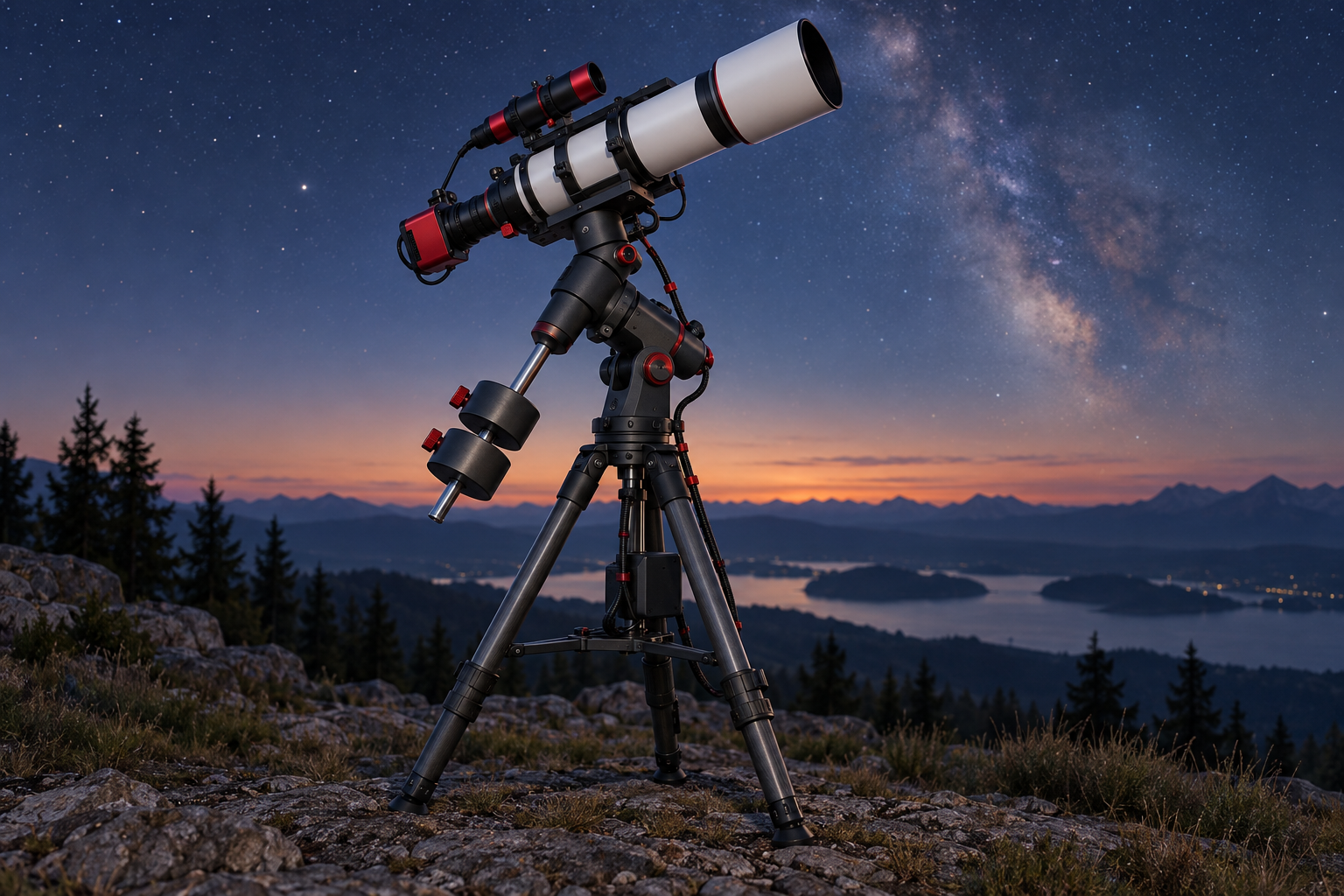
Before the first slew, check the cable route through the movements you actually plan to make, including the return to park. Keep the mount under direct observation during that rehearsal, and stop before a lead tightens, catches or approaches a moving part. A tidy bundle at the starting position is only the beginning of the check.
The method below produces a small route record you can reuse at your next field setup. It is a proposed inspection routine, rather than a manufacturer’s specification for cable length or clearance. Use your mount’s instructions for permitted movement, controls and stopping procedures.
Start with the night’s movements
Write down the starting position, first target, later targets and finishing position. For a German equatorial mount, include any planned meridian flip. N.I.N.A.’s documentation explains that a flip changes which side of the mount carries the telescope, and that collision clearance depends on the particular equipment configuration. It leaves the user responsible for establishing when the movement is appropriate. N.I.N.A. automated meridian flip documentation
Use the usable imaging window guide to settle the target sequence before rehearsing it. If you are still deciding when to work, the darkness and Moon planning calendar can help frame the session. Neither replaces a physical clearance check.
Include the movements between targets, rather than checking only their final positions. Write “not checked” beside anything you cannot rehearse appropriately. That is a reason to keep that movement out of an unattended sequence until it has been assessed.
Draw the route from fixed equipment to moving equipment
Make a simple sketch showing the battery, computer, tripod, mount and telescope. Trace each power or data lead between its endpoints. Mark where a cable first leaves stationary equipment and joins something that moves.
For this inspection, treat three areas separately: the ground route, the transition onto the mount, and the leads travelling with the telescope. This makes it easier to describe a problem precisely. “Guide-camera lead catches beside the saddle after the target change” is more useful than “cables need sorting”.
Place the battery and computer before choosing the final route. Aim to keep the walking approach clear and give yourself access to the mount’s stop control. Do not solve a short lead by moving equipment into the telescope’s intended movement area.
Inspect the actual leads you will use. Look for damaged insulation, distressed connector ends or a connection that does not seat as intended. Leave questionable equipment out of the rehearsal pending appropriate replacement or manufacturer advice.
Give each moving section its own inspection
Follow every lead from its socket to the next support point. Ask whether movement will be taken up by a free section of cable or transmitted directly to the connector. Arrange support using suitable existing attachment points, without obstructing controls or mechanisms.
There is no universal loop size in this method. Judge the route by observation through the intended movement, following any restrictions in the equipment documentation. Inspect both the shortest and longest apparent cable paths: spare length must have somewhere clear to go as the telescope changes position.
Pay particular attention to guide-camera leads and to protruding fasteners on cable supports. PHD2 identifies cable dragging, binding and snagging as possible causes of abrupt guide-star movement. Its troubleshooting guide also warns that an apparently purposeful route can pull in particular sky positions or after a flip, and that cable-tie protrusions can catch on stationary mount parts. PHD2 troubleshooting guide
Rehearse with a stopping rule
Using the manufacturer’s permitted controls and movement procedure, observe the planned route in stages. Keep hands clear of moving mechanisms. Stop before contact or tension develops; do not continue to discover whether the motor can pull a cable through.
At each stage, inspect the camera sockets, the transition between stationary and moving equipment, the counterweight area where fitted, and the space around the tripod. Watch the cable throughout the movement. A clear destination does not establish a clear journey.
If something catches, stop the movement before changing the route. Record the location, alter one part of the arrangement and repeat the affected journey. Include the finishing or park movement in the repeat check.
For compatible Celestron equipment, cordwrap control introduces a user-defined boundary that the mount avoids crossing during an object slew. Celestron describes this in the context of its SE system; follow those exact instructions only where applicable. The feature does not assess your individual cable route. Celestron cordwrap instructions
A hypothetical field rehearsal
Suppose a portable imaging setup has a ground-level battery, a laptop beside the tripod and separate camera and mount leads. The first target position looks clear, but the camera lead catches on a tripod adjustment knob during the journey to the second target.
In this hypothetical example, the observer stops, changes the transition point and repeats the first-to-second-target movement. They then check the remaining sequence and return to park. The record names the cable, support position and movement checked; it does not simply say “all cables OK”. No particular cable length or clearance is implied by this example.
Repeat the short check before each slew
Before commanding another target, look around the ground route, confirm that nothing has been moved onto a lead, inspect the moving loops and make sure the next movement belongs to the rehearsed sequence. Repeat the relevant rehearsal after moving the laptop, changing a camera orientation or altering a support point.
Keep a photograph of the accepted starting arrangement and a short list of the movements checked. Treat that record as a setup aid, not a guarantee for a changed rig. If star shapes later deteriorate, the repeatable diagnosis guide offers a structured next step; retain the cable observations alongside the imaging evidence.
Continue planning
Related guides
Power
Build an astrophotography power budget that survives the night
Optical train
Backfocus and spacing without guesswork
Smart telescope comparison