
Deep-sky imaging technique · UK
Set up dithering by checking pixels, pauses and the next exposure
Translate guide-camera pixels into imaging-camera movement, find the right controls and verify settling with a short capture trial.
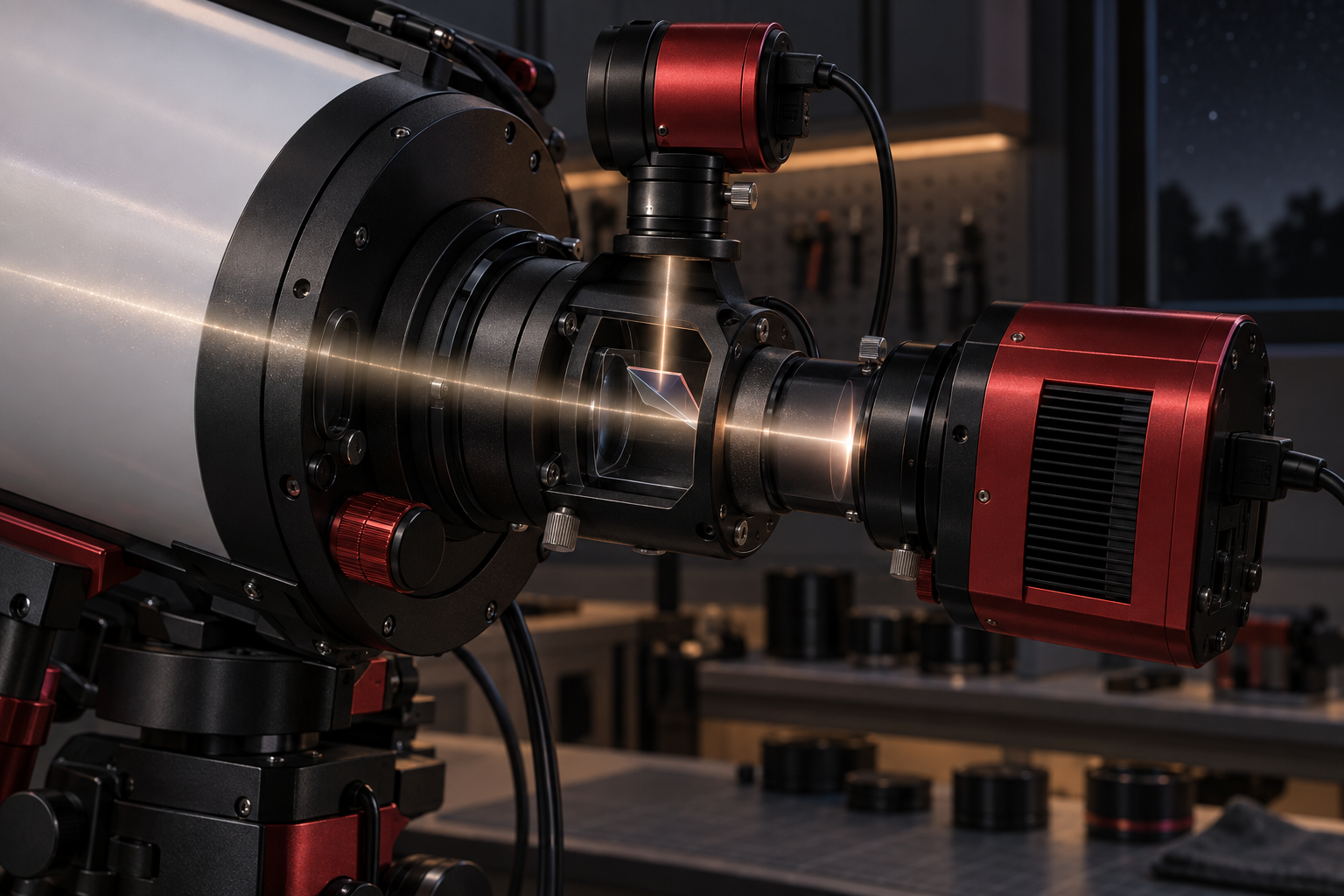
Enable dithering through your capture sequence, check which camera its pixel setting refers to, and watch what happens before the next exposure starts. Those three checks are more useful than copying somebody else’s dither distance and settling delay.
For a guided setup using N.I.N.A. and PHD2, the practical goal is a repeatable cycle: finish an exposure, request a small pointing change, allow guiding to settle, then expose again. N.I.N.A.’s documentation describes this coordination between the capture application and guider. N.I.N.A. dithering documentation
What the movement changes
Dithering changes where the sky falls on the sensor between exposures. Once frames are aligned on the stars, sensor defects occupy different positions relative to the astronomical image. This helps stacking with outlier rejection deal with fixed-pattern noise and defective pixels. It is a change made during acquisition, with its benefit realised during processing. N.I.N.A. explanation of dithering
Siril’s FAQ identifies dithering as a way to reduce the diagonal background pattern that can become visible when an image is stretched. It explains that frames need different sky positions so registration can redistribute the pattern relative to the subject. This is a reason to inspect a processed trial stack as well as individual exposures. Siril FAQ
Keep the rest of your processing workflow deliberate. Siril’s manual tutorial treats calibration, registration, image inspection and stacking as separate stages. Dithering belongs alongside that workflow; switching it on does not establish that your calibration or frame selection is correct. Siril manual pre-processing tutorial
Find the controls in three places
First, check communication. For the N.I.N.A.–PHD2 arrangement described in the documentation, PHD2’s server must be enabled through its Tools menu. Then check the selected guider and connection settings in N.I.N.A. Finally, enable the dither action or cadence in the sequence you will actually run. A successful guider connection alone does not confirm that the sequence will request dithers. N.I.N.A. setup requirements
Next, locate the movement and settling settings. N.I.N.A.’s Guider documentation identifies Dither Pixels, Dither RA Only, Settle Pixel Tolerance, Minimum Settle Time and Settle Timeout. The available controls depend on the connected guider, so use the documentation matching your installed interface. N.I.N.A. Guider controls
Write their current values on a small session card before changing anything. Add the software version, guide-camera configuration and main-camera configuration. This is an editorial recommendation for making a trial reversible: a successful setting is easier to reuse when its context is recorded.
Translate pixels before choosing a distance
N.I.N.A.’s PHD2 dither amount is expressed in guide-camera pixels. Its settling tolerance also uses guide-camera pixels. These are different controls: one requests movement; the other helps decide when imaging can resume. N.I.N.A. Guider settings
Use the guide-scope image-scale calculator and pixel scale calculator to establish the two scales. Record both in arcseconds per pixel, including the camera configuration used for the session.
Here is an explicitly hypothetical conversion. Suppose the guider records 4 arcseconds per pixel and the main camera records 2 arcseconds per pixel. A displacement of 3 guide pixels represents 12 arcseconds, equivalent to 6 main-camera pixels: 3 × 4 ÷ 2 = 6. This demonstrates the conversion, rather than recommending a dither size.
Check PHD2’s dither scale multiplier too. Its documentation explains that the application request can be multiplied by this setting, and that random dithers use a range up to the requested limit. Consequently, do not expect every movement to equal your calculated maximum. PHD2 dithering explanation
Allow settling after the move
Settling needs a tolerance, a duration within that tolerance and a timeout. In N.I.N.A., the documented tolerance is measured in guide pixels; the minimum settle time establishes the required period of stability, while the timeout limits the wait. A timeout is therefore a different outcome from demonstrating stable guiding. N.I.N.A. settling controls
PHD2 warns that permissive settings can let exposures begin during remaining movement, while demanding settings can cause repeated timeouts. Its advice is to base the choices on the guiding performance your equipment actually delivers. PHD2 settling guidance
Run a short supervised sequence before committing the night. Note each dither request, its settling outcome and the start of the following exposure. Inspect those following frames beside ordinary frames. If their stars look worse, preserve the evidence and adjust one setting at a time. Avoid diagnosing every elongated star as a dither problem; the guide scope or off-axis guider guide covers other guiding-related failure modes.
Budget measured overhead
For an explicitly hypothetical session, assume 30 exposures of 180 seconds and 10 dither events that each add 20 seconds beyond other activity. Exposure time is 5,400 seconds, or 90 minutes. Added dither time is 200 seconds, or 3 minutes 20 seconds. The combined total is 93 minutes 20 seconds before other overheads. These are planning assumptions, not predicted equipment performance.
Use your observed added time in the integration-time planner, alongside the exposure choice established with the short test-sequence guide. Keep a dither configuration when the sequence requests it reliably, settling behaves sensibly and the following exposures remain usable. That gives you a defensible starting point for the next night.
Continue planning
Related guides
Power
Build an astrophotography power budget that survives the night
Optical train
Backfocus and spacing without guesswork

Smart telescope comparison