Target framing and camera rotation · EU
Turn a framing preview into a camera rotation plan
Choose a target composition, allow room around important features and carry the planned centre and rotation into a checked first exposure.
Choose the composition you want, save its centre and rotation, then check that an actual exposure matches before starting the main sequence. A rectangle on a planning screen is useful only when you can reproduce it with your camera.
This is a decision about tonight’s picture: which features belong inside the frame, how much surrounding sky to retain and whether one panel is enough. Start with the field-of-view calculator. If you are still deciding which optical setup to use, the earlier guide to choosing focal length and field of view covers that broader equipment choice.
Write down what the picture must include
Before rotating anything, describe your intended image in a sentence. You might want the main nebula and a neighbouring cluster, or a galaxy with enough surrounding sky to keep it from feeling cramped. Separate essential features from optional ones.
Then make a simple acceptance rule: every essential feature must remain inside a smaller, deliberately reserved composition area within the full frame. You choose that allowance; it is not a universal percentage. The point is to avoid making your entire plan depend on a feature touching the outermost edge.
Keep a second composition available if the first proves awkward. A tighter portrait of the main object can be a more useful fallback than deciding on an unplanned mosaic during a short clear spell.
Check the rectangle before judging the angle
Record the camera configuration and focal length used for the preview. The external Astronomy.tools field-of-view calculator offers imaging mode, camera resolution, pixel size, focal length, reducer or Barlow selection and an angle control. Those inputs make it possible to compare orientations while keeping the equipment assumptions visible.
Change one thing at a time. First establish the rectangle for the configuration you intend to use. Then compare rotations. Finally move the centre to balance the composition. Otherwise, it becomes difficult to tell whether a better-looking preview came from rotation, a different field size or a shifted centre.
In N.I.N.A., the framing rectangle’s camera and focal-length settings are separate from the settings used for plate solving. Its focal-length entry can be changed for planning without updating the telescope settings. Check both places when transferring a plan to capture software. N.I.N.A. framing controls
Compare complete compositions
Make a small set of candidates: the present camera orientation, an orientation that follows the main feature and a composition with more surrounding space. Give each a short name and note what it sacrifices.
Use a survey image to inspect the arrangement of features you care about. N.I.N.A.’s documentation distinguishes its approximate offline target outlines from downloaded survey imagery and describes dragging and rotating the rectangle over the latter. Treat the outline as a starting point for composition. N.I.N.A. advanced framing guidance
Do not make survey brightness part of your acceptance rule. For this exercise, use the preview to choose positions and boundaries; leave exposure and processing decisions for their own checks.
A hypothetical margin check
Suppose a planning result gives a rectangular field of 120 by 80 arcminutes. For this invented example, you reserve 8 arcminutes along every edge. Your preferred composition area is therefore 104 by 64 arcminutes: 120 minus 16, and 80 minus 16.
Now suppose your chosen pair of features occupies an approximate 90 by 50 arcminute envelope when aligned with the frame. That leaves 14 arcminutes of spare width and 14 of spare height inside your reserved area. If centred, that is 7 arcminutes on each side within that area.
A quarter-turn would put the 90 arcminute extent against the frame’s 80 arcminute dimension, so that orientation fails even before applying the allowance. This simplified example assumes rectangular envelopes and exact alignment. For a real target, inspect the rotated overlay rather than treating two catalogue dimensions as a complete description of its shape.
Carry the decision into the first exposure
Save a framing record containing the configuration, frame-centre coordinates, requested angle, preview and essential features. Keep the angle tied to the software that produced it; verify the result in capture rather than relying on a handwritten angle alone.
N.I.N.A. can measure rotation from a captured, plate-solved image and transfer centre coordinates and angle into a sequence. Its Manual Rotator workflow can prompt a user to turn the camera towards the requested orientation. Follow the documented controls for your installed version. N.I.N.A. framing controls
Before depending on that handover, use the saved-image plate-solving rehearsal to check your solving workflow. Then inspect a first exposure against the saved composition: correct centre, correct orientation and every essential feature present.
If the composition fails, revise it before committing the main sequence. Choose the fallback, change the centre or explicitly plan multiple panels. Finish with a reproducible framing record and an accepted image, so the next session begins with a decision you can recover.
Continue planning
Related guides
Power
Build an astrophotography power budget that survives the night
Optical train
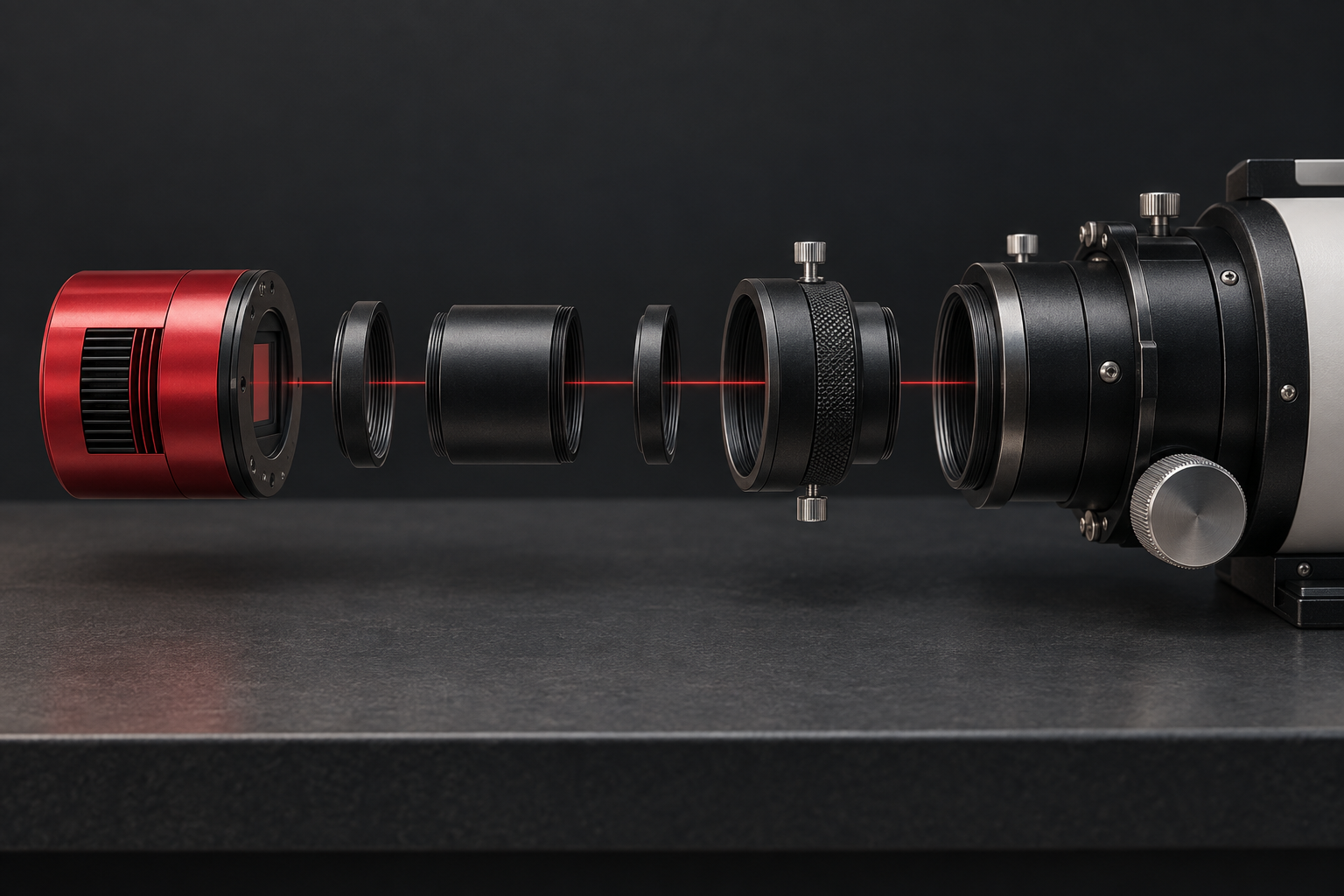
Backfocus and spacing without guesswork
Smart telescope comparison