Plate solving · EU
Rehearse plate solving on a saved image before your next clear night
Check image scale, sky-position hints and offline solver files with a saved-image rehearsal, then use a controlled failure checklist.
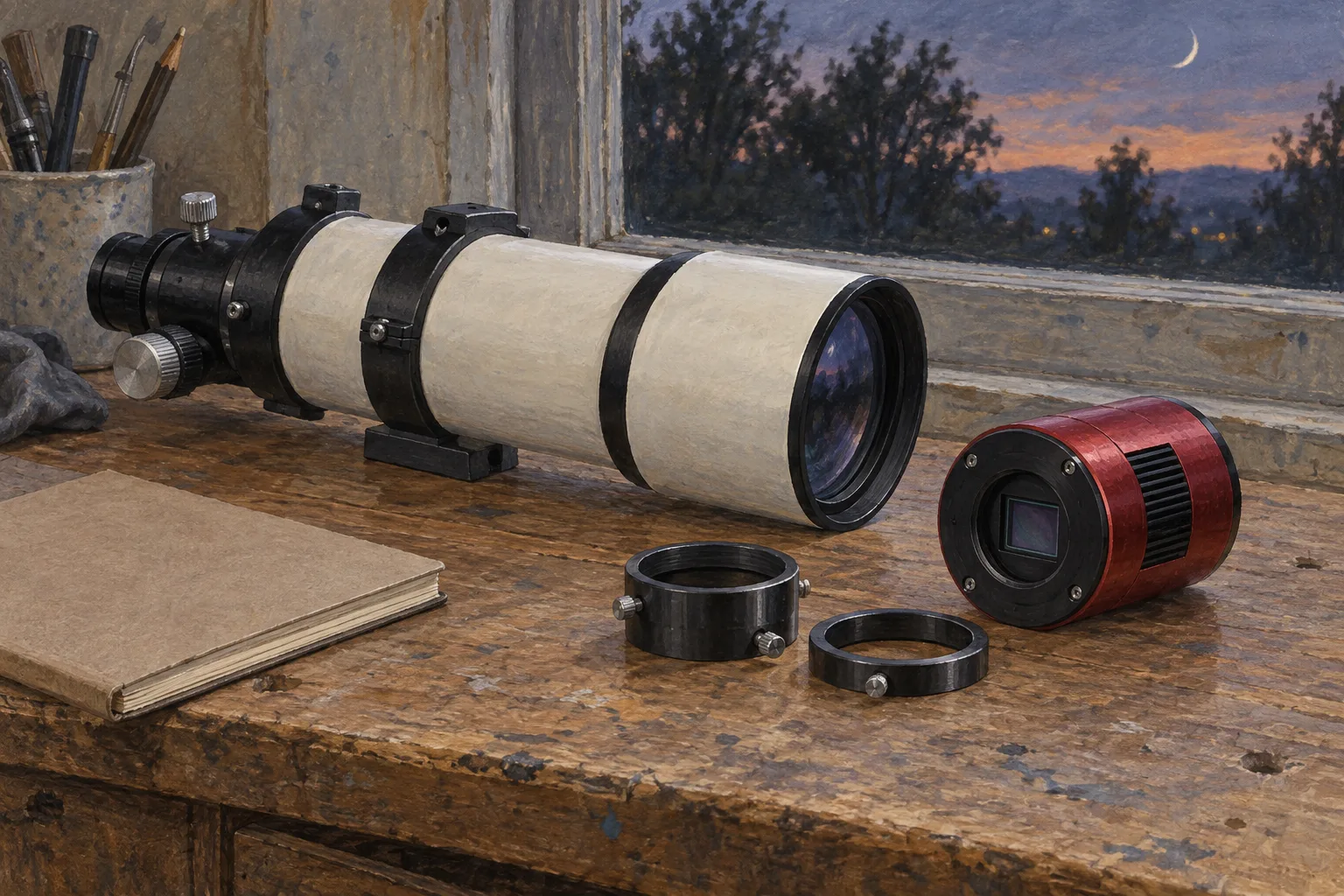
Start with a saved star-field image and prove that your chosen solver can identify it before relying on plate solving during a capture sequence. Keep a short record of the image, scale, position hint and catalogue used. Then repeat the test without an internet connection if you intend to image offline.
The decision is straightforward: use a position-assisted solve when you trust the image’s approximate sky coordinates; prepare a blind-solving route when you do not. Treat a successful result as something to inspect before using it to control equipment.
Give the rehearsal a clear boundary
Plate solving matches stars in an image to catalogue positions and returns the image centre’s right ascension and declination. Capture software can then use that result for mount synchronisation or recentering. N.I.N.A. exposes synchronisation and reslewing as separate options. N.I.N.A.’s plate-solving documentation
For this first rehearsal, work on a copy of a saved image in a standalone solver or processing application. Leave mount control out of the exercise. Your question is simply: can this software solve this file with inputs you understand?
Choose a frame whose target and equipment configuration you have recorded. Keep the original alongside the test copy, and write down whether the copy has been cropped, resized or otherwise processed. This makes the exercise repeatable when you change a setting.
Create a small test card with these fields:
- Image filename and capture date.
- Camera, pixel size and effective focal length.
- Image dimensions and any resizing history.
- Approximate centre coordinates and where they came from.
- Solver, catalogue location and software version.
- Result, elapsed time and any warning message.
Check the scale before widening the search
Use the pixel scale and sampling calculator to prepare an expected scale. Enter the effective focal length of the imaging train, including any reducer or other optic that changes it. N.I.N.A.’s documentation identifies pixel size and effective focal length as key solver inputs. Equipment parameters for solving
Here is an explicitly hypothetical example. A camera with 3.76-micrometre pixels used at an effective focal length of 400 mm has an approximate scale of:
206.26 × 3.76 ÷ 400 = 1.94 arcseconds per pixel
The arithmetic uses the scale relationship given in N.I.N.A.’s documentation. Keep the unrounded calculation in your notes, but 1.94 is sufficient for this example. Do not substitute a telescope’s advertised native focal length if your recorded imaging configuration used a different effective value.
The existing focal-length and field-of-view guide helps connect that number to framing. Here, however, the purpose is narrower: establish an expectation against which to compare the solver’s answer.
If your test file has an uncertain processing history, return to the original rather than trying to reconstruct every transformation from memory. Label the uncertainty instead of silently accepting a default value.
Decide how much you trust the position hint
Record the approximate location in the sky as right ascension and declination. Keep it separate from the observing site’s geographical location on your test card; they describe different things.
For a known target, begin with the coordinates recorded for that exposure. For an unidentified archive image, choose a solver mode intended for an unknown position. N.I.N.A. documents blind-solving alternatives for cases where the starting position is unknown or substantially wrong. Position and solver choices
Make one controlled comparison: solve the known frame with its position hint, then try the configured blind route. Record both outcomes. This is a rehearsal of your fallback, rather than a competition for the shortest solve time.
Do not copy today’s mount coordinates into an old image’s test record merely because the mount is connected. Use information belonging to the exposure being tested.
Prove the offline route while still at home
Installing an application is only part of preparing an offline solver. N.I.N.A. describes ASTAP as a separate application and star-database installation; its local Astrometry.Net option requires appropriate index files. Both can operate without internet access once configured. Local solver requirements
Before disconnecting, note the actual executable and catalogue locations. Then close the application, disconnect the network, reopen it and solve your saved frame again. Keep the result in the same test card. This is a proposed practical check of your configuration, rather than a claim that one successful image covers every future field.
If you use Siril for sequences, distinguish a local-catalogue workflow from fetching catalogue data for individual images. Its mosaic tutorial explicitly identifies these alternatives. Siril’s sequence-solving tutorial
A useful acceptance rule is: the saved frame solves after a fresh application launch, offline, using the files and settings you recorded. An online-only fallback does not meet that particular requirement.
Change one thing when a solve fails
Keep the failed image and exact error. Work through the following order, recording each change:
- Confirm that the intended file was loaded.
- Recheck pixel size, effective focal length and processing history.
- Check the position hint, then try the prepared blind route.
- Confirm that the configured catalogue files are accessible.
- Inspect the image and choose a better test frame if necessary.
For Siril specifically, its FAQ identifies stretched image data and inaccurate pixel-size or focal-length inputs as possible causes of astrometry failure. Use an unstretched original for this rehearsal; a display preview and a permanently transformed file should not be confused. Siril’s astrometry troubleshooting
Finish by saving the successful settings beside the image. Mark what remains untested: another camera, a different optical configuration, or live recentering. Your next clear night can then begin with a known configuration and a documented fallback, followed by a supervised check of any mount-control behaviour you intend to use.
Continue planning
Related guides
Power
Build an astrophotography power budget that survives the night
Optical train
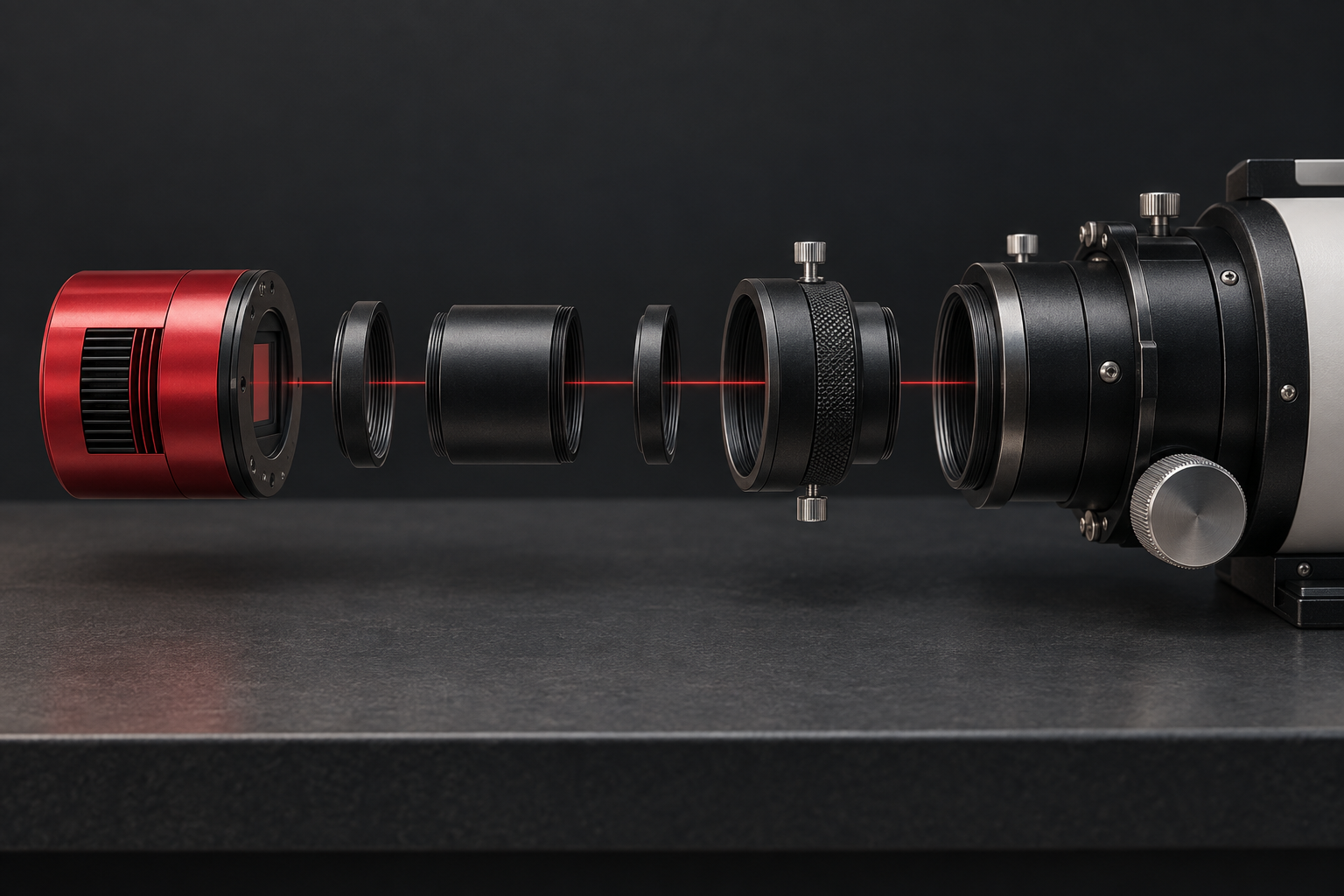
Backfocus and spacing without guesswork
Smart telescope comparison