
Imaging automation · EU
Before automating a meridian flip, rehearse the whole handover
Prepare a supervised meridian-flip rehearsal that checks sequence timing, recentering, guiding and the first saved exposure after the move.
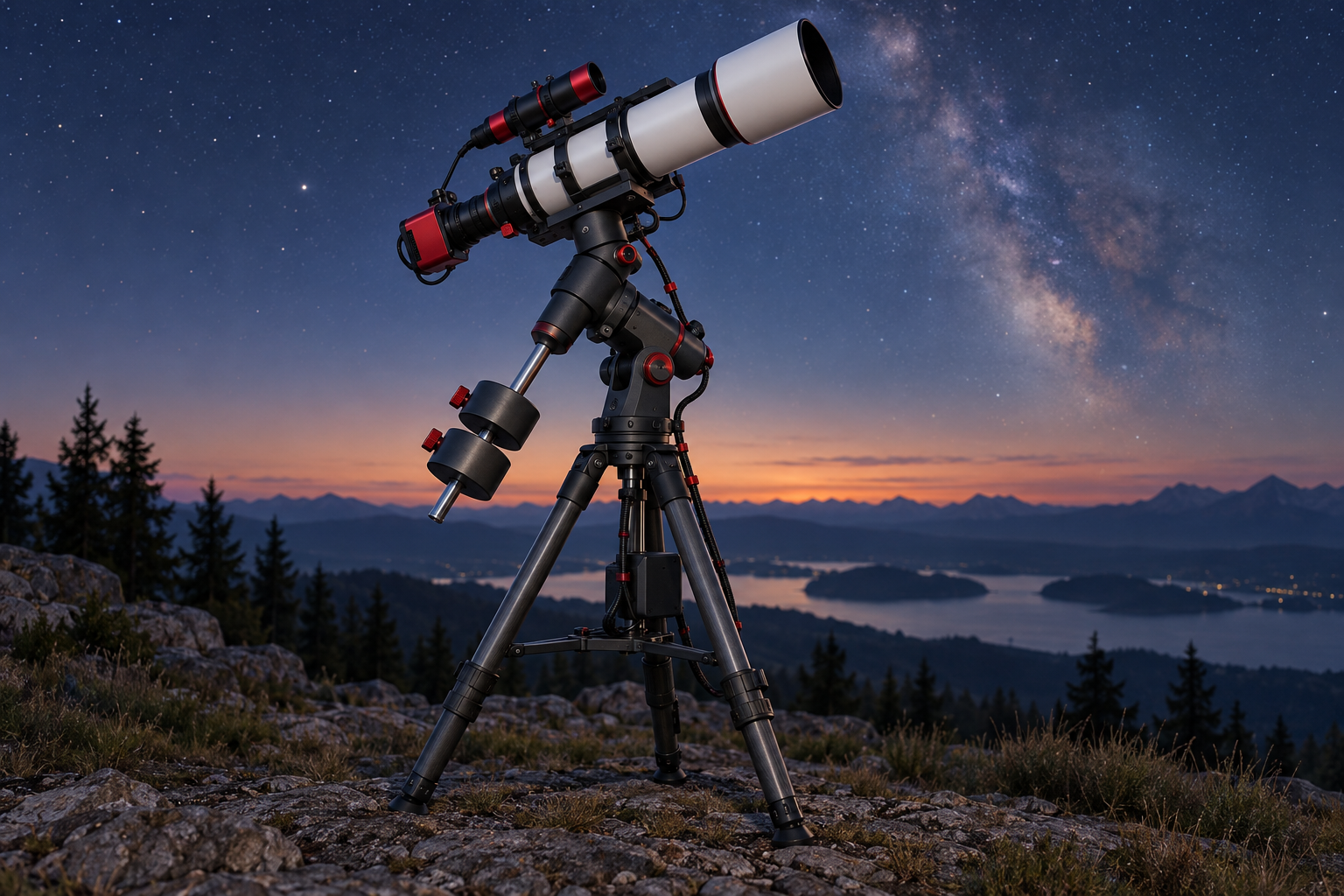
Keep your first automated meridian flip supervised, and judge it by the first usable exposure afterwards. A completed mount movement is only one checkpoint. Your rehearsal should also establish that the sequence pauses as intended, the target is recovered, guiding resumes correctly and the camera saves the next frame.
Prepare a short acceptance record before starting. Give each stage an expected result, a place to record what happened and a clear reason to stop. This turns an uncertain overnight handover into a specific decision: continue supervised imaging, investigate one failed stage, or consider further automation with the same configuration.
Define what the rehearsal covers
This workflow uses N.I.N.A. and PHD2 as a documented example. Match the controls to your installed versions and equipment; it is not a set of universal mount settings. N.I.N.A.’s documentation explains that clearance around the meridian varies with the mount and telescope arrangement, so the permitted timing must come from your actual configuration. Its sequencing instructions also distinguish between enabling a flip in a legacy target set and adding the flip trigger to an advanced sequence. N.I.N.A. automated meridian-flip documentation
Write down the mount, driver, capture application, guider and equipment profile versions. Record the telescope and camera arrangement too. Treat this as the configuration being assessed: a later equipment or software change should prompt a review of the relevant checkpoints.
Use our cable-route rehearsal for the physical preparation. Here, the additional question is whether the imaging software completes its handover. Keep the mount’s own operating instructions available, including its stopping procedure and limits. If you cannot establish an acceptable movement and tracking envelope, postpone the automated rehearsal.
Make a prediction before pressing start
Create a simple timeline with spaces for the last exposure before the flip, any pause, the movement, target recovery, guiding restart and the first saved exposure. Do not fill it with assumed durations. Leave room to record observations.
Check that the intended sequence actually contains the flip operation. Then record the configured timing window and compare it with your established equipment limits. N.I.N.A. describes different scheduling behaviour for a single flip time and a permitted time range: exposure completion affects when the sequence waits or starts the flip. N.I.N.A. timing behaviour
Use the usable imaging-window guide to choose a session when you can remain beside the equipment through the entire event. Allocate time afterwards for inspection and diagnosis. A rehearsal squeezed against the end of your available evening leaves little opportunity to understand an unexpected result.
Check the recovery controls separately
In N.I.N.A., review the side-of-pier option, recentering, settling delay and any autofocus operation you intend to use. The documentation says recentering requires a configured plate solver. It also explains that the optional image rotation after a flip changes the display rather than the raw image data. N.I.N.A. imaging options
Give each enabled operation an observable result. For recentering, plan to inspect the recovered field. For autofocus, plan to inspect the result before accepting subsequent frames. For guiding, plan to watch the restart rather than relying solely on the capture application’s status message.
Avoid changing several controls during the same attempt. If recovery fails, preserve the settings and relevant records before adjusting the stage that failed. Otherwise, the next attempt may work without showing which change mattered.
Resolve the guiding question deliberately
PHD2 provides a meridian-flip calibration wizard to determine the appropriate setting for reversing declination output after a flip. The procedure involves calibration on both sides of the pier and requires following the wizard’s instructions. Use that documented procedure when this setting needs establishing; do not guess from another owner’s checkbox. PHD2 tools and utilities
Keep that calibration task distinct from your sequence acceptance record. Knowing the required guiding configuration answers one question. Observing the imaging sequence stop and restart guiding answers another. Record both rather than treating either as a substitute for the other.
Observe one complete handover
Run a short imaging sequence that will encounter the planned flip while you remain present. Keep the normal stop controls accessible. Stop if movement, cable behaviour or clearance differs from the prepared plan; do not continue merely to obtain a successful software status.
Record each transition as it occurs. After the move, inspect the target recovery, guiding behaviour and a saved exposure. Open the saved file rather than accepting only the screen preview. Compare framing and star appearance with a pre-flip frame, and note anything requiring investigation before extending the sequence.
An explicitly hypothetical record might read: the sequence paused as predicted, the mount changed sides, recentering completed, but guiding failed to resume. That result supports investigating the guiding handover while continuing to supervise. It does not support accepting overnight automation because the telescope reached the other side.
Decide what the result actually establishes
Mark every checkpoint as observed, failed or unobserved. An unobserved stage remains an open question. Keep the timeline, settings record and relevant application logs together so a later attempt can address the same question.
A completed rehearsal establishes what happened with that target, configuration and session. It does not establish behaviour through every target position, software change or interruption. Continue supervision where uncertainty remains, and repeat the affected checks after meaningful changes. The useful outcome is a clear record of the whole handover, including where your confidence ends.
Continue planning
Related guides
Power
Build an astrophotography power budget that survives the night
Optical train
Backfocus and spacing without guesswork
Smart telescope comparison