Astrophotography calibration · EU
Build a calibration checklist that matches your camera
Match darks, flats and bias or flat-darks to your camera settings and processing workflow, with a practical record for deciding what to capture again.
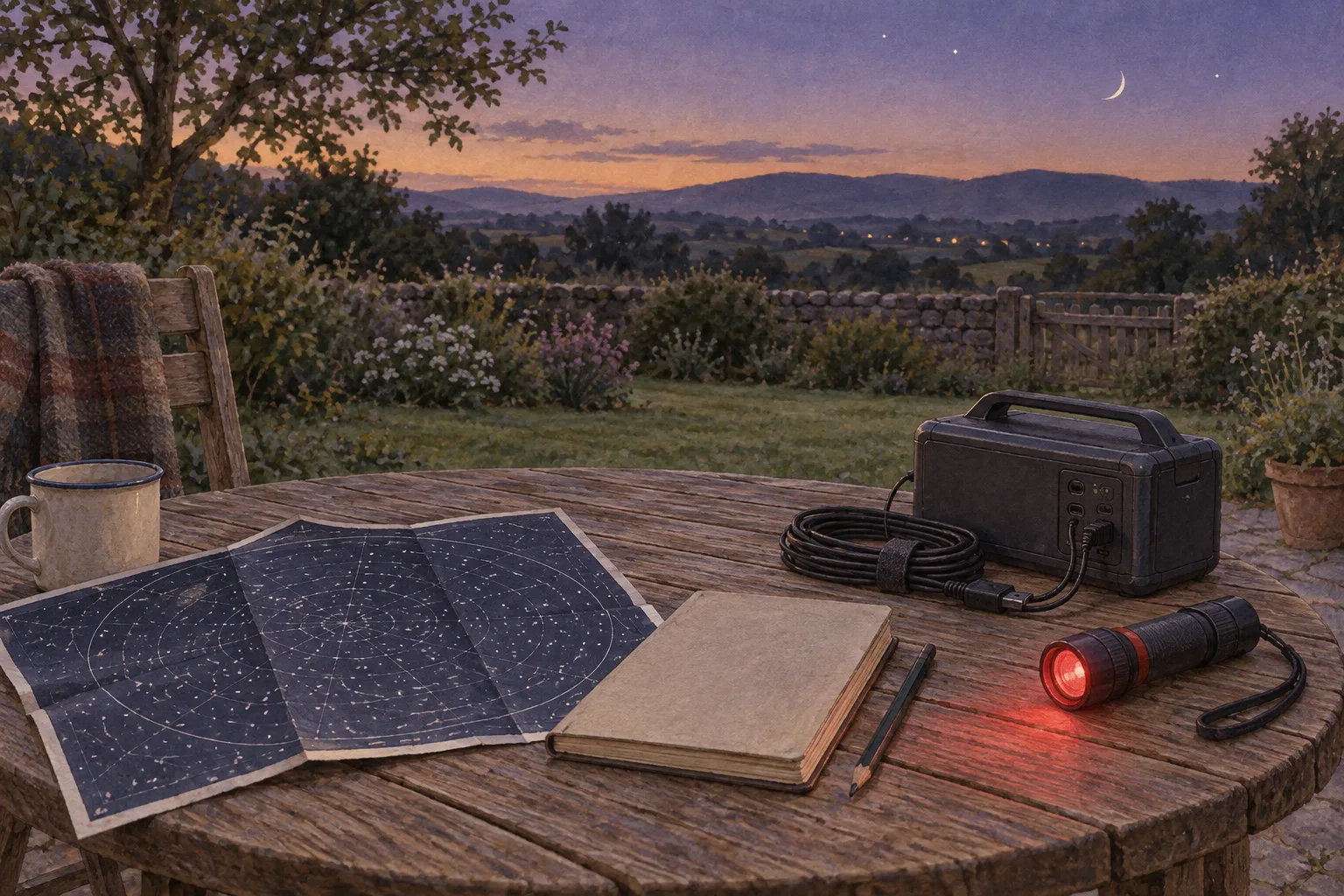
Start by recording your camera settings and your processing workflow, then decide which calibration frames belong together. A folder containing darks, flats and bias frames is only useful when you know what each set matches—and how the software will apply it.
The useful checklist has two parts: a capture record and a processing record. Keep both beside the images. That gives you a way to answer the important question later: can this calibration set support these lights, or should something be captured again?
Give every set a clear identity
Create a short session sheet before collecting calibration frames. Record the camera model, capture software, image dimensions, binning, gain or ISO, offset where available, exposure duration and sensor temperature where reported. Add the filter and a description of the optical arrangement.
ZWO’s ASI183MC and ASIStudio guide specifies matching darks to the lights’ resolution, exposure, gain and temperature. It describes flat-darks as dark exposures matched to the flats’ exposure, gain and temperature. These are useful matching requirements, while the linked guide remains specific to its camera and software context. ZWO’s ASIStudio and ASI183MC guide.
Use the sheet as an audit trail. If a control is unavailable, write “not exposed by software” rather than guessing its value. If you change settings halfway through a night, give the new group its own identity. Our guide to choosing sub-exposure length can help you settle the light-frame plan before organising its matching calibration sets.
Separate the jobs before choosing the frames
Darks, flats and bias address different parts of calibration. Siril describes a master dark as removing thermal signal and the image’s bias component, and a master flat as correcting vignetting and dust-related unevenness. Bias represents an electronic offset. Calibration does not remove random noise simply by subtracting a master. Siril’s explanation of calibration frames.
Turn those distinctions into three questions on your sheet:
- Which light settings does this dark set match?
- Which optical arrangement does this flat set represent?
- Which method will remove the offset from the flats?
Avoid a single tick labelled “calibration done”. You want separate answers, including a note when a set is missing or its suitability is uncertain.
Plan flats around the optical arrangement
ZWO describes flats as exposures taken through the complete optical path. Its guide also explains that flats contain electronic offset and dark signal, so the flat itself needs appropriate calibration. ZWO’s calibration appendix.
A practical response is to schedule flats before dismantling the imaging arrangement. Record the filter, camera orientation and any changes you made before capture. Treat a changed arrangement as a reason to review an older flat’s suitability; a familiar filename is insufficient evidence that it represents tonight’s setup.
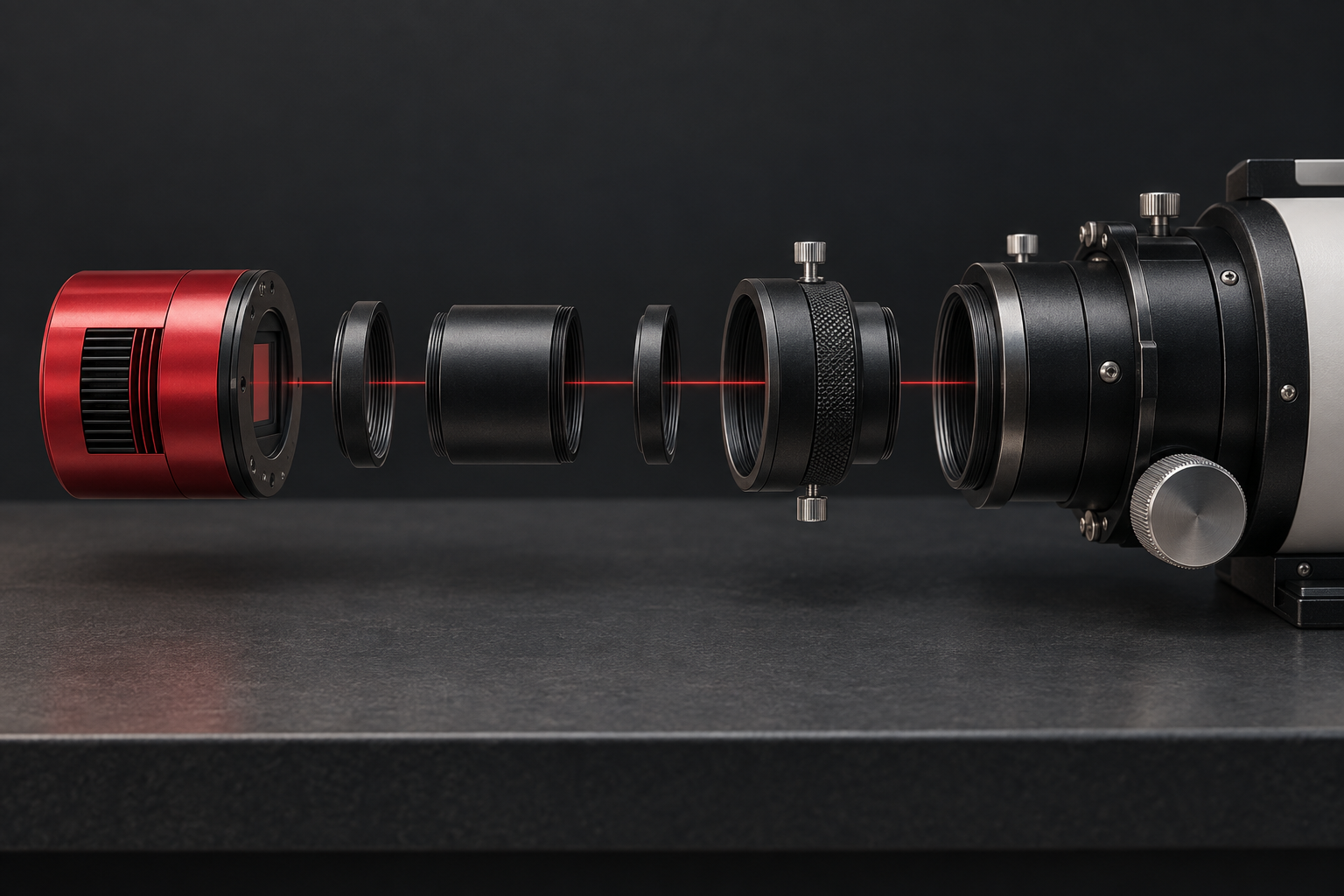
If you are also changing adapters, keep the calibration record alongside your backfocus and spacing record. This makes it easier to identify which optical configuration produced each image group.
For automated capture, N.I.N.A.’s Flat Wizard exposes controls for binning, gain, offset, exposure limits and target histogram mean. Its multi-filter mode stores settings per filter. These controls help organise capture, but their presence does not establish one suitable target value for every camera. N.I.N.A. Flat Wizard documentation.
Decide between bias and flat-darks deliberately
Do not make flat-darks an automatic extra task, or automatically exclude them. Siril explains why bias can be sufficient in many circumstances, while identifying longer flat exposures and some amp-glow behaviour as reasons to investigate flat-darks. It also discusses synthetic bias, with suitability depending on sensor behaviour. Siril’s bias and flat-dark discussion.
Write down the chosen method and its justification: camera guidance, processing documentation, or a controlled comparison of your own files. A beginner’s checklist can simply say “use the documented bias workflow” until there is evidence to change it. Synthetic bias deserves its own documented procedure; copying another camera’s numerical offset is not a substitute.
N.I.N.A. can capture darks for the flat exposure times, prompting you to extinguish the light source. Its Sky Flats mode does not offer that dark capture because the flat exposures vary as sky brightness changes. Check the selected mode before assuming the wizard will produce matching sets automatically. N.I.N.A. Flat Wizard capture behaviour.
Record what happened to each master
Processing history matters as much as capture settings. Siril’s manual workflow builds a master dark without subtracting bias first, then uses that dark with a calibrated master flat on the lights. The unprocessed dark already contains the bias component. Following a different workflow requires checking that workflow’s own assumptions. Siril manual pre-processing tutorial.
Beside each master, record its input set, whether bias was removed, and the script or procedure used. This makes “master dark” an interpretable file rather than an ambiguous label.
A hypothetical session sheet
Suppose your planned lights use 120-second exposures at a recorded gain, offset and sensor temperature. Your flat capture then produces two groups: one filter at 2 seconds and another at 8 seconds. These are invented settings, not recommended exposures.
Your sheet would identify the 120-second light group and its matching darks separately from the two flat groups. If your documented workflow calls for exposure-matched flat-darks, you would list a 2-second set and an 8-second set. If it uses bias instead, record that decision against both flat groups. Neither flat exposure becomes a dark for the 120-second lights.
Before committing the whole session to processing, run a small sample and inspect the result. Keep the inputs and settings so that any comparison is repeatable. Budget space for those extra files with the imaging-session storage calculator.
The finished checklist should let you explain every pairing and every processing step. Where it cannot, mark the uncertainty and resolve it before treating the master as reusable.
Continue planning
Related guides
Power
Build an astrophotography power budget that survives the night
Optical train
Backfocus and spacing without guesswork
Smart telescope comparison